Following up on my previous post, I would like to share an update on the progress of the Extension migration work that has been underway over the past few months.
To briefly recap the motivation behind this effort: Igalia’s long-term goal is to enable embedders to use the Extension system without depending on the //chrome layer. In other words, we want to make it possible to support Extension functionality with minimal implementation effort using only //content + //extensions.
Currently, some parts of the Extension system still rely on the //chrome layer. Our objective is to remove those dependencies so that embedders can integrate Extension capabilities without needing to include the entire //chrome layer.
As a short-term milestone, we focused on migrating the Extension installation implementation from //chrome to //extensions. This phase of the work has now been completed, which is why I’m sharing this progress update.
Extension Installation Formats
Chromium supports several formats for installing Extensions. The most common ones are zip, unpacked and crx.
Each format serves a different purpose:
zip – commonly used for internal distribution or packaged deployment
unpacked – primarily used during development and debugging
crx – the standard packaged format used by the Chrome Web Store
During this migration effort, the code responsible for supporting all three installation formats has been successfully moved to the //extensions layer.
As a result, the Extension installation pipeline is now significantly less dependent on the //chrome layer, bringing us closer to enabling Extension support directly on top of //content + //extensions.
Patch and References
To support this migration, several patches were introduced to move installation-related components into the //extensions layer and decouple them from //chrome.
For readers who are interested in the implementation details, you can find the related changes and discussions here:
These links provide more insight into the design decisions, code changes, and ongoing discussions around the migration.
Demo
Below is a short demo showing the current setup in action.
This demo was recorded using app_shell on Linux, the minimal stripped-down browser container designed to run Chrome Apps and using only //content and //extensions/ layers.
To have this executable launcher, we also extended app_shellwith the minimal functionality required for embedders to install the extension app.
This allows Extensions to be installed and executed without relying on the full Chrome browser implementation, making it easier to experiment with and validate the migration work.
Next Steps
The next short-term goal is to migrate the code required for installing Extensions via the Chrome Web Store into the //extensions layer as well.
At the moment, parts of the Web Store installation flow still depend on the //chrome layer. The next phase of this project will focus on removing those dependencies so that Web Store-based installation can also function within the //extensions layer.
Once this work is completed, embedders will be able to install Extension apps from Chrome WebStore with a significantly simpler architecture (//content + //extensions).
This will make the Extension platform more modular, reusable, and easier to integrate into custom Chromium-based products.
I will continue to share updates as the migration progresses.
GN Language Server for Chromium development was announced on chromium-dev.
It’s very easy to install in VSCode, NeoVim or Emacs. But how can we configure
it with classic Vim + YCM?
The following features are not working yet. They may need more configuration or
further work:
Code Folding
Classic Vim and YCM don’t support LSP-based folding, and I’m not a big fan of
that feature anyway. But you can configure another plugin that supports
LSP-based folding, or simply rely on indent-based folding.
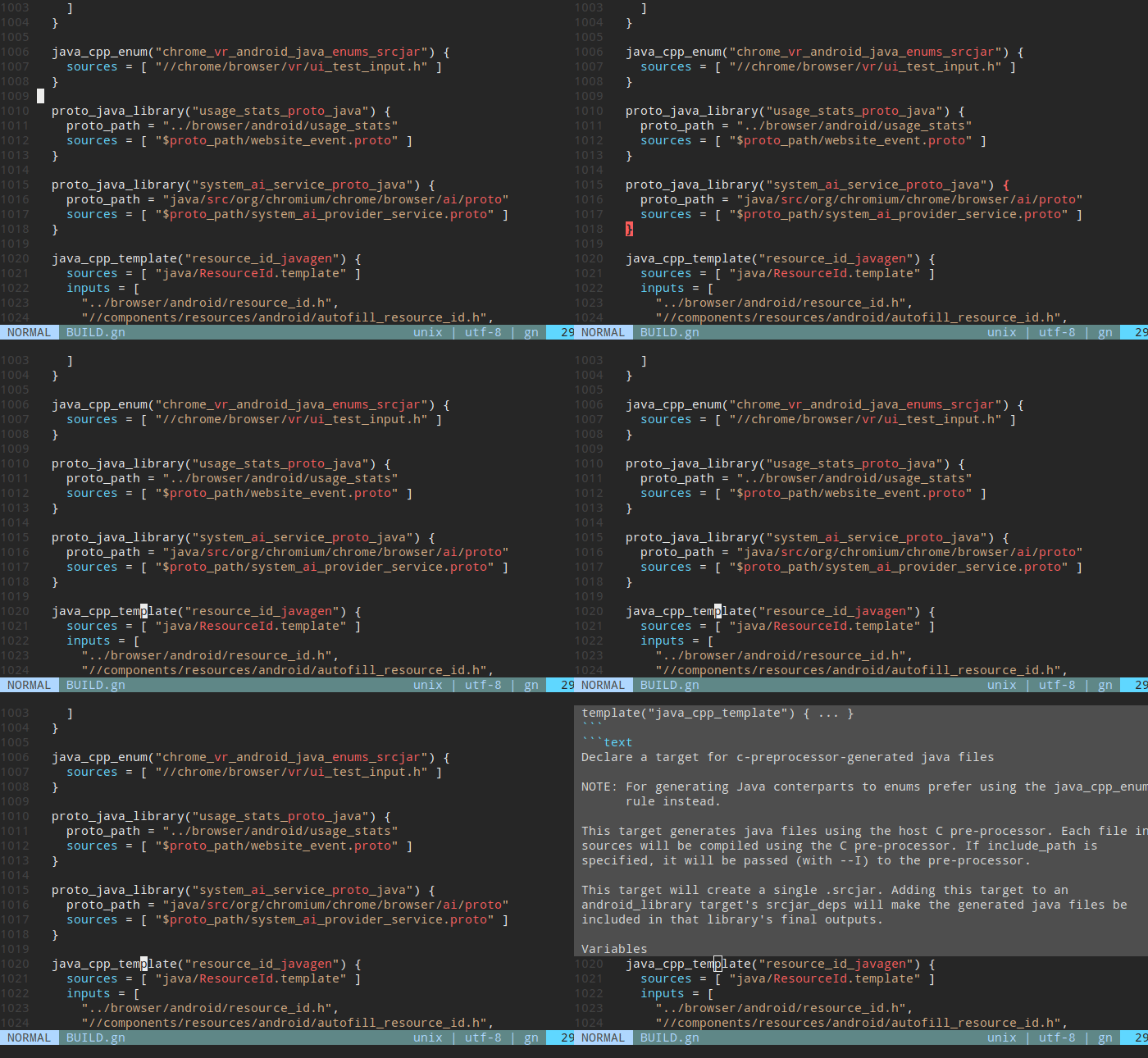
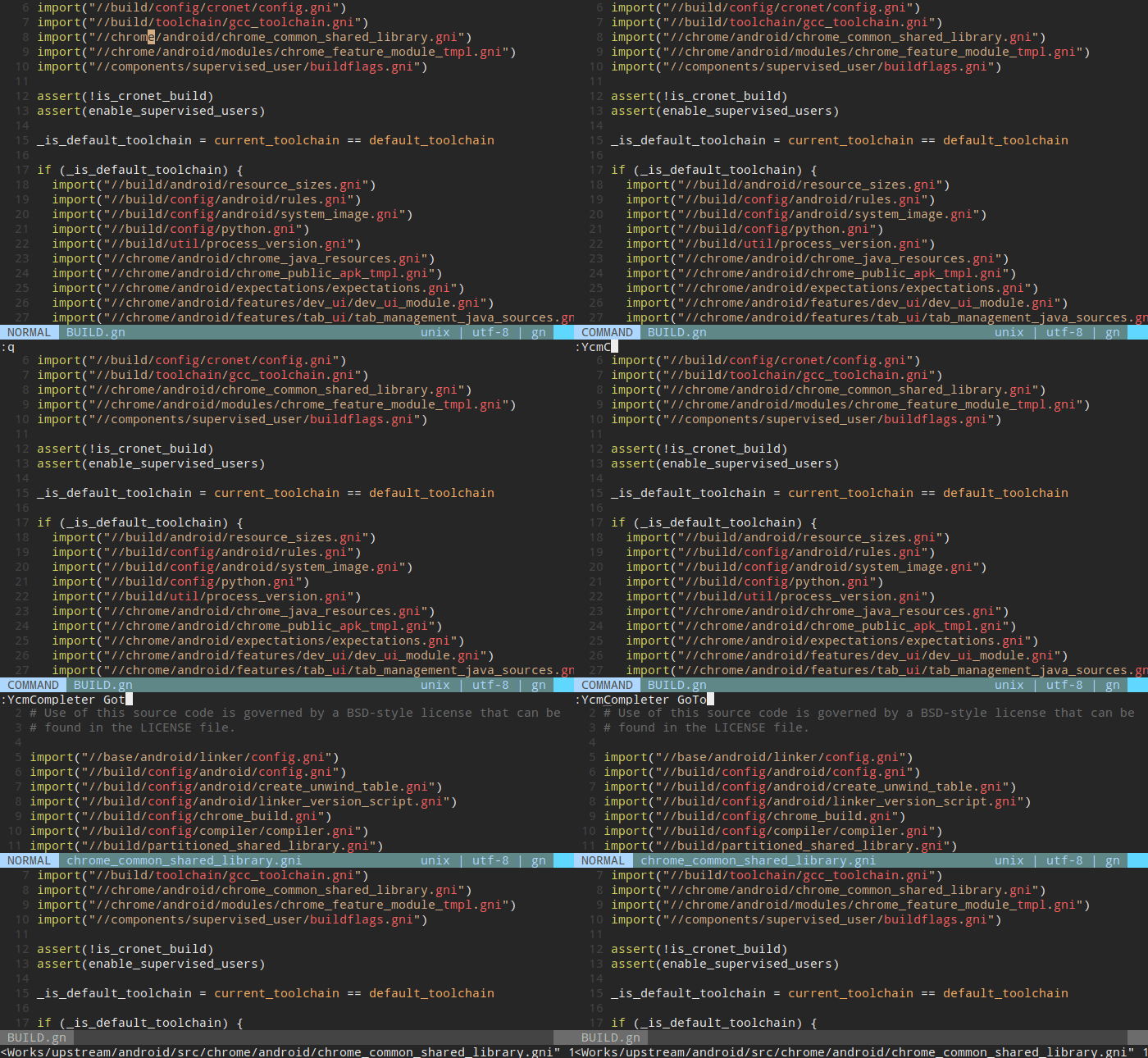
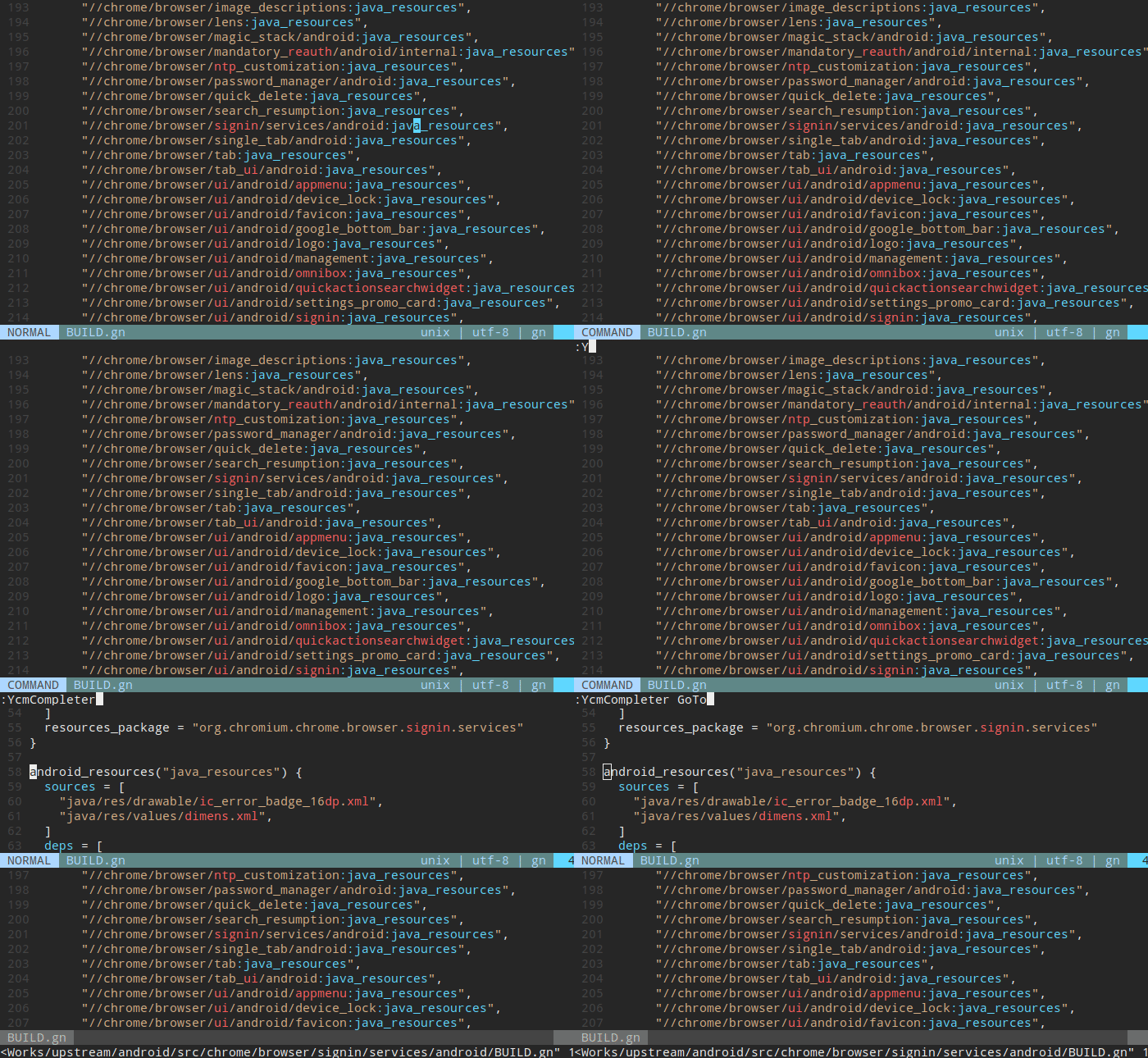
Go To Definition
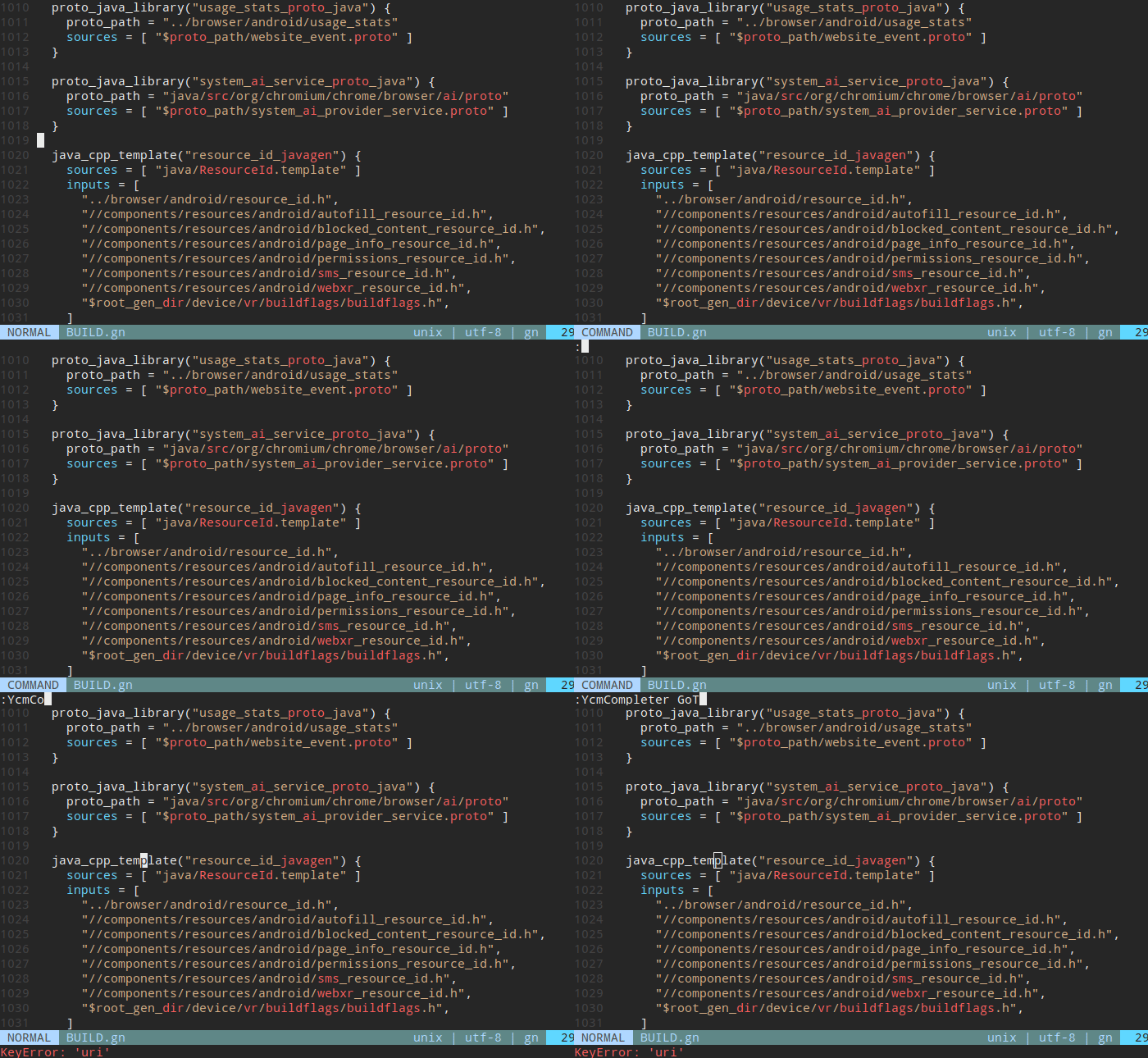
When I try to go to the definition of template, I get an error KeyError:
'uri'. I’m not sure whether this is caused by my local configuration, but it
needs further investigation.
When we think of accessibility, we tend to picture it as something designed for a small minority. The reality is much broader: 16% of the world’s population — 1.3 billion people — live with a significant disability¹. In Brazil alone, where I live, that means around 14.4 million people report some form of disability². And those numbers capture only permanent disabilities.
Now give a check to
gcbench,
a classic GC micro-benchmark:
$ WASTREL_PRINT_STATS=1 ./pre-inst-env wastrel examples/gcbench.wat
Garbage Collector Test
 Creating long-lived binary tree of depth 16
 Creating a long-lived array of 500000 doubles
Creating 33824 trees of depth 4
	Top-down construction: 10.189 msec
	Bottom-up construction: 8.629 msec
Creating 8256 trees of depth 6
	Top-down construction: 8.075 msec
	Bottom-up construction: 8.754 msec
Creating 2052 trees of depth 8
	Top-down construction: 7.980 msec
	Bottom-up construction: 8.030 msec
Creating 512 trees of depth 10
	Top-down construction: 7.719 msec
	Bottom-up construction: 9.631 msec
Creating 128 trees of depth 12
	Top-down construction: 11.084 msec
	Bottom-up construction: 9.315 msec
Creating 32 trees of depth 14
	Top-down construction: 9.023 msec
	Bottom-up construction: 20.670 msec
Creating 8 trees of depth 16
	Top-down construction: 9.212 msec
	Bottom-up construction: 9.002 msec
Completed 32 major collections (0 minor).
138.673 ms total time (12.603 stopped); 209.372 ms CPU time (83.327 stopped).
0.368 ms median pause time, 0.512 p95, 0.800 max.
Heap size is 26.739 MB (max 26.739 MB); peak live data 5.548 MB.
We set WASTREL_PRINT_STATS=1 to get those last 4 lines.
So, this is a microbenchmark: it runs for only 138 ms, and the heap is
tiny (26.7 MB). It does collect 30 times, which is something.
is it good?
I know what you are thinking: OK, it’s a microbenchmark, but can it tell us anything about how Wastrel compares to V8? Well, probably so:
$ guix shell node time -- \
   time node js-runtime/run.js -- \
     js-runtime/wtf8.wasm examples/gcbench.wasm
Garbage Collector Test
[... some output elided ...]
total_heap_size: 48082944
[...]
0.23user 0.03system 0:00.20elapsed 128%CPU (0avgtext+0avgdata 87844maxresident)k
0inputs+0outputs (0major+13325minor)pagefaults 0swaps
Which is to say, V8 takes more CPU time (230ms vs 209ms) and more
wall-clock time (200ms vs 138ms). Also it uses twice as much
managed memory (48 MB vs 26.7 MB), and more than that for the total
process (88 MB vs 34 MB, not shown).
improving on v8, really?
Let’s try with
quads,
which at least has a larger active heap size. This time we’ll compile a binary and then run it:
$ ./pre-inst-env wastrel compile -o quads examples/quads.wat
$ WASTREL_PRINT_STATS=1 guix shell time -- time ./quads
Making quad tree of depth 10 (1398101 nodes).
	construction: 23.274 msec
Allocating garbage tree of depth 9 (349525 nodes), 60 times, validating live tree each time.
	allocation loop: 826.310 msec
	quads test: 860.018 msec
Completed 26 major collections (0 minor).
848.825 ms total time (85.533 stopped); 1349.199 ms CPU time (585.936 stopped).
3.456 ms median pause time, 3.840 p95, 5.888 max.
Heap size is 133.333 MB (max 133.333 MB); peak live data 82.416 MB.
1.35user 0.01system 0:00.86elapsed 157%CPU (0avgtext+0avgdata 141496maxresident)k
0inputs+0outputs (0major+231minor)pagefaults 0swaps
Compare to V8 via node:
$ guix shell node time -- time node js-runtime/run.js -- js-runtime/wtf8.wasm examples/quads.wasm
Making quad tree of depth 10 (1398101 nodes).
	construction: 64.524 msec
Allocating garbage tree of depth 9 (349525 nodes), 60 times, validating live tree each time.
	allocation loop: 2288.092 msec
	quads test: 2394.361 msec
total_heap_size: 156798976
[...]
3.74user 0.24system 0:02.46elapsed 161%CPU (0avgtext+0avgdata 382992maxresident)k
0inputs+0outputs (0major+87866minor)pagefaults 0swaps
Which is to say, wastrel is almost three times as fast, while using
almost three times less memory: 2460ms (v8) vs 849ms (wastrel), and
383MB vs 141 MB.
zowee!
So, yes, the V8 times include the time to compile the wasm module on the fly. No idea what is going on with tiering, either, but I understand that tiering up is a thing these days; this is node v22.14, released about a year ago, for what that’s worth. Also, there is a V8-specific module to do some impedance-matching with regards to strings; in Wastrel they are WTF-8 byte arrays, whereas in Node they are JS strings. But it’s not a string benchmark, so I doubt that’s a significant factor.
I think the performance edge comes in having the program ahead-of-time: you can statically allocate type checks, statically allocate object shapes, and the compiler can see through it all. But I don’t really know yet, as I just got everything working this week.
Wastrel with GC is demo-quality, thus far. If you’re interested in the back-story and the making-of, see my intro to Wastrel article from October, or the FOSDEM talk from last week:
A History of Extensions for Embedders — and Where We’re Heading
Chromium’s Extensions platform has long been a foundational part of the desktop browsing experience. Major Chromium-based browsers—such as Chrome and Microsoft Edge—ship with full support for the Chrome Extensions ecosystem, and user expectations around extension availability and compatibility continue to grow.
In contrast, some Chromium embedders— for instance, products built directly on the //content API without the full //chrome stack—do not naturally have access to Extensions. Similarly, the traditional Chrome for Android app does not support Extensions. While some embedders have attempted to enable limited Extensions functionality by pulling in selected pieces of the //chrome layer, this approach is heavyweight, difficult to maintain, and fundamentally incapable of delivering full feature parity.
At Igalia we have been willing to help on the long term-goal of making Extensions usable on lightweight, //content-based products, without requiring embedders to depend on //chrome. This post outlines the background of that effort, the phases of work so far, the architectural challenges involved, and where the project is headed.
Note: ChromeOS supporting extensions (ChromeOS has announced plans to incorporate more of the Android build stack) is not the same thing as Chrome-Android App supporting extensions. The two codepaths and platform constraints differ significantly. While the traditional Chrome app on Android phones and tablets still does not officially support extensions, recent beta builds of desktop-class Chrome on Android have begun to close this gap by enabling native extension installation and execution.
The following diagram illustrates the architectural evolution of Extensions support for Chromium embedders.
Traditional Chromium Browser Stack
At the top of the stack, Chromium-based browsers such as Chrome and Edge rely on the full //chrome layer. Historically, the Extensions platform has lived deeply inside this layer, tightly coupled with Chrome-specific concepts such as Profile, browser windows, UI surfaces, and Chrome services.
This architecture works well for full browsers, but it is problematic for embedders. Products built directly on //content cannot reuse Extensions without pulling in a large portion of //chrome, leading to high integration and maintenance costs.
Phase 1 — Extensions on Android (Downstream Work)
In 2023, a downstream project at Igalia required extension support on a Chromium-based Android application. The scope was limited—we only needed to support a small number of specific extensions—so we implemented:
basic installation logic,
manifest handling,
extension launch/execution flows, and
a minimal subset of Extensions APIs that those extensions depended on.
This work demonstrated that Extensions can function in an Android environment. However, it also highlighted a major problem: modifying the Android //chrome codepath is expensive. Rebasing costs are high, upstream alignment is difficult, and the resulting solution is tightly coupled to Chrome-specific abstractions. The approach was viable only because the downstream requirements were narrow and controlled.
Following Phase 1, we began asking a broader question:
Can we provide a reusable, upstream-friendly Extensions implementation that works for embedders without pulling in the //chrome layer?
Motivation
Many embedders aim to remain as lightweight as possible. Requiring //chrome introduces unnecessary complexity, long build times, and ongoing maintenance costs. Our hypothesis was that large portions of the Extensions stack could be decoupled from Chrome and reused directly by content-based products.
One early idea was to componentize the Extensions code by migrating substantial parts of //chrome/*/extensions into //components/extensions.
We tested this idea through Wolvic , a VR browser used in several commercial solutions. Wolvic has two implementations:
a Gecko-based version, and
a Chromium-based version built directly on the //content API.
Originally, Extensions were already supported in Wolvic-Gecko, but not in Wolvic-Chromium. To close that gap, we migrated core pieces of the Extensions machinery into //components/extensions and enabled extension loading and execution in a content-only environment.
By early 2025, this work successfully demonstrated that Extensions could run without the //chrome layer.
However, this work lived entirely in the Wolvic repository, which is a fork of Chromium. While open source, this meant that other embedders could not easily benefit without additional rebasing and integration work.
This raised an important question:
Why not do this work directly in the Chromium upstream so that all embedders can benefit?
Phase 3 — Extensions for Embedders (//content + //extensions)
Following discussions with the Extensions owner (rdevlin.cronin@chromium.org), we refined the approach further.
Rather than migrating functionality into //components, the preferred long-term direction is to move Extensions logic directly into the //extensions layer wherever possible.
Chrome Web Store compatibility Embedders should be able to install and run extensions directly from the Chrome Web Store.
Short-term Goal: Installation Support
Our immediate milestone is to make installation work entirely using //content + //extensions.
Current progress:
.zip installation support already lives in //extensions
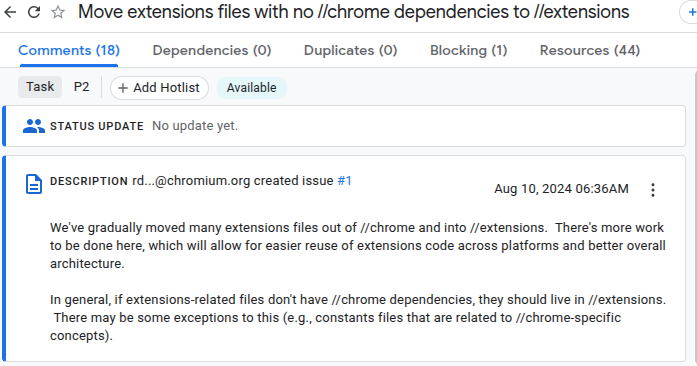
Migrating Unpacked directory installation from //chrome to //extensions (including replacing Profile with BrowserContext abstractions)
Moving .crx installation code from //chrome → //extensions
As part of this effort, we are introducing clean, well-defined interfaces for install prompts and permission confirmations:
Chrome will continue to provide its full-featured UI
Embedders can implement minimal, custom UI as needed
What Comes Next:
Once installation is fully supported, we will move on to:
Chrome Web Store integration flows
Core WebExtensions APIs required by commonly used extensions
Main Engineering Challenge — Detaching from the Chrome Layer
The hardest part of this migration is not moving files—it is breaking long-standing dependencies on the //chrome layer.
The Extensions codebase is large and historically coupled to Chrome-only concepts such as:
Profile
Browser
Chrome-specific WebContents delegates
Chrome UI surfaces
Chrome services (sync, signin, prefs)
Each migration requires careful refactoring, layering reviews, and close collaboration with component owners. While the process is slow, it has already resulted in meaningful architectural improvements.
What’s Next?
In the next post, We’ll demonstrate:
A functioning version of Extensions running on top of //content + //extensions only — capable of installing and running extensions app.
from Igalia side, we continue working on ways to make easier integrating Chromium on other platforms, etc. This will mark the first end-to-end, //chrome-free execution path for extensions in content-based browsers.
Hey hey happy new year, friends! Today I was going over some V8 code
that touched pre-tenuring: allocating objects directly in the old
space instead of the nursery. I knew the theory here but I had never
looked into the mechanism. Today’s post is a quick overview of how it’s
done.
allocation sites
In a JavaScript program, there are a number of source code locations
that allocate. Statistically speaking, any given allocation is likely
to be short-lived, so generational garbage collection partitions
freshly-allocated objects into their own space. In that way, when the
system runs out of memory, it can preferentially reclaim memory from the
nursery space instead of groveling over the whole heap.
But you know what they say: there are lies, damn lies, and statistics.
Some programs are outliers, allocating objects in such a way that they
don’t die young, or at least not young enough. In those cases,
allocating into the nursery is just overhead, because minor collection
won’t reclaim much memory (because too many objects survive), and
because of useless copying as the object is scavenged within the nursery
or promoted into the old generation. It would have been better to
eagerly tenure such allocations into the old generation in the first
place. (The more I think about it, the funnier pre-tenuring is as a
term; what if some PhD programs could pre-allocate their graduates into
named chairs? Is going straight to industry the equivalent of dying
young? Does collaborating on a paper with a full professor imply a
write barrier? But I digress.)
Among the set of allocation sites in a program, a subset should
pre-tenure their objects. How can we know which ones? There is a
literature of static techniques, but this is JavaScript, so the answer
in general is dynamic: we should observe how many objects survive
collection, organized by allocation site, then optimize to assume that
the future will be like the past, falling back to a general path if the
assumptions fail to hold.
my runtime doth object
The high-level overview of how V8 implements pre-tenuring is based on
per-program-point AllocationSite objects, and per-allocation
AllocationMemento objects that point back to their corresponding
AllocationSite. Initially, V8 doesn’t know what program points would
profit from pre-tenuring, and instead allocates everything in the
nursery. Here’s a quick picture:
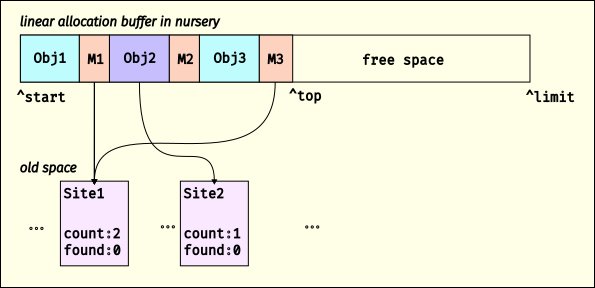
A linear allocation buffer containing objects allocated with allocation mementos
Here we show that there are two allocation sites, Site1 and Site2.
V8 is currently allocating into a linear allocation buffer (LAB) in the
nursery, and has allocated three objects. After each of these objects
is an AllocationMemento; in this example, M1 and M3 are
AllocationMemento objects that point to Site1 and M2 points to
Site2. When V8 allocates an object, it increments the “created”
counter on the corresponding
AllocationSite
(if available; it’s possible an allocation comes from C++ or something
where we don’t have an AllocationSite).
When the free space in the LAB is too small for an allocation, V8 gets
another LAB, or collects if there are no more LABs in the nursery. When
V8 does a minor collection, as the scavenger visits objects, it will
look to see if the object is followed by an
AllocationMemento.
If so, it dereferences the memento to find the AllocationSite, then
increments its “found” counter, and adds the AllocationSite to a set.
Once an AllocationSite has had 100
allocations,
it is enqueued for a pre-tenuring decision; sites with 85%
survival
get marked for pre-tenuring.
If an allocation site is marked as needing pre-tenuring, the code in
which it is embedded it will get de-optimized, and then next time it is
optimized, the code generator arranges to allocate into the old
generation instead of the default nursery.
Finally, if a major collection collects more than 90% of the old
generation, V8 resets all pre-tenured allocation
sites,
under the assumption that pre-tenuring was actually premature.
tenure for me but not for thee
What kinds of allocation sites are eligible for pre-tenuring? Sometimes
it depends on object kind; wasm memories, for example, are almost always
long-lived, so they are always pre-tenured. Sometimes it depends on who
is doing the allocation; allocations from the bootstrapper, literals
allocated by the parser, and many allocations from C++ go straight to
the old generation. And sometimes the compiler has enough information
to determine that pre-tenuring might be a good idea, as when it
generates a store of a fresh object to a field in an known-old
object.
But otherwise I thought that the whole AllocationSite mechanism would
apply generally, to any object creation. It turns out, nope: it seems
to only apply to object literals, array literals, and new Array.
Weird, right? I guess it makes sense in that these are the ways to
create objects that also creates the field values at creation-time,
allowing the whole block to be allocated to the same space. If instead
you make a pre-tenured object and then initialize it via a sequence of
stores, this would likely create old-to-new edges, preventing the new
objects from dying young while incurring the penalty of copying and
write barriers. Still, I think there is probably some juice to squeeze
here for pre-tenuring of class-style allocations, at least in the
optimizing compiler or in short inline caches.
I suspect this state of affairs is somewhat historical, as the
AllocationSite mechanism seems to have originated with typed array
storage strategies and
V8’s “boilerplate” object literal allocators; both of these predate
per-AllocationSite pre-tenuring decisions.
fin
Well that’s adaptive pre-tenuring in V8! I thought the “just stick a
memento after the object” approach is pleasantly simple, and if you are
only bumping creation counters from baseline compilation tiers, it
likely amortizes out to a win. But does the restricted application to
literals point to a fundamental constraint, or is it just accident? If
you have any insight, let me know :) Until then, happy hacking!


 Migrating Unpacked directory installation from //chrome to //extensions
 Moving .crx installation code from //chrome → //extensions